
EV24® App
EV driver app
Fast charging start without downloading or installing an app. Intuitive experience, instant payments, and full session control — no registration.
User comfort
The simplest EV charging
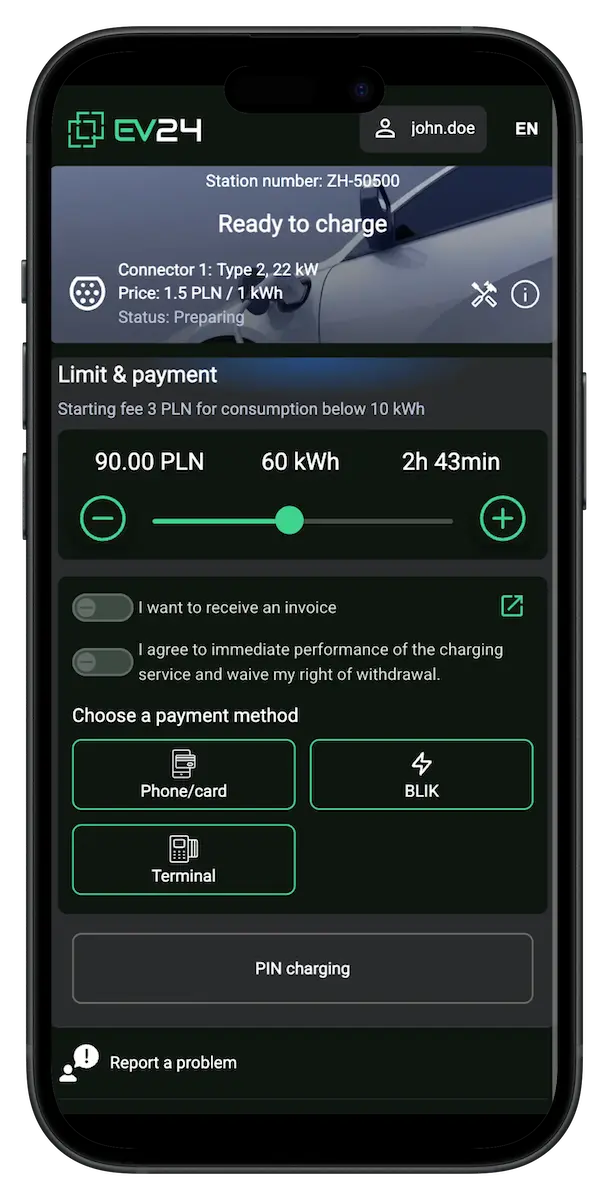
EV drivers today have a dozen, often dozens of mobile apps. Users of stations powered by EV24® don't need another.Instead of stress and wasted time, the EV24® app delivers convenience, simplicity, and charging comfort.

No app installation
Charge the car, not your phone's memory.
No registration
No accounts. No forms. No unnecessary and time-consuming steps.
No excessive holds
Only the necessary amount is pre-authorized instead of large holds.
Fast charging start
Scan, pay, and charge. Simple and intuitive.
Convenient payment methods
A wide selection of familiar, trusted payment methods.
Transparent pricing
Cost calculation before charging. No surprises.
Full charging control
Full control of the charging session in real time.
Settlements, invoices, and refunds
Notification and automatic settlement after each session.
Charging start
Start charging in 3 steps.
Quick and simple — prepare your car and start charging in moments.
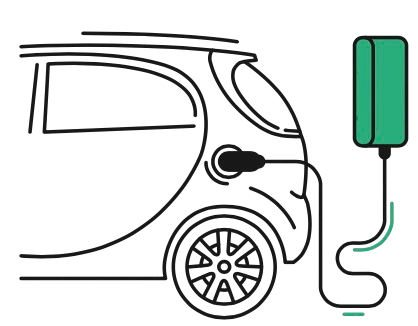
Prepare your car for charging and plug the cable into the selected charging point.
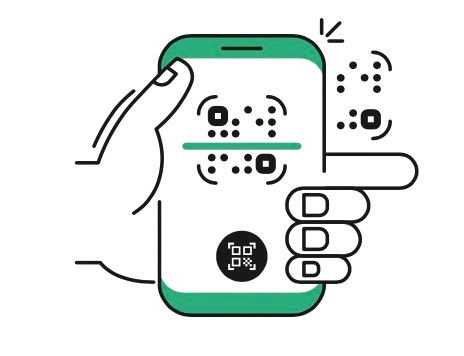
Open the app and scan the QR code on the station or terminal. You can also select the station from GPS.
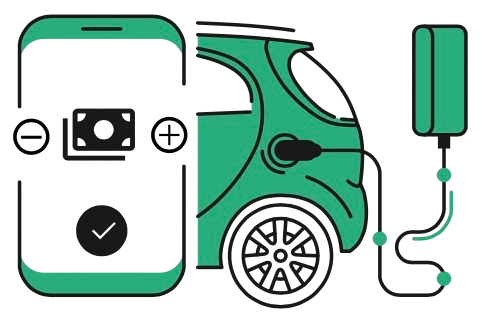
Choose the energy amount and pay using available payment methods or start charging with a PIN. Charging starts automatically.
Charging completion
Charging completion and settlement
Automatic settlement after each completed charging session. No manual handling.

Charging session completion
Automatically after reaching the set limit, when charging is stopped by the vehicle, or after ending the session in the app.
Completion notification
Automatic notification after charging ends with a session summary.
Refund of unused funds
Automatic and immediate refund of unused funds after settlement.
Receipts and invoices
Automatic generation of receipts or adding the session to a consolidated invoice.
Secure payment and charging authorization methods
Available depending on the country and methods enabled by the station owner/operator.
Secure card payments
Card payments at the payment terminal and in the app — Apple Pay, Google Pay, Link, or direct card payment. Acceptance of Visa, Mastercard, American Express, and others.
Instant payments
Instant payments available in a given country: BLIK, TWINT, Swish, Vipps, MobilePay, and more.
PIN charging
PIN charging for selected and authorized users — with no fees.




Most common app questions
Do I need a mobile app to charge?+
No. You do not need to download, install, or register anything. Creating or configuring an account is also not required.
How can I open the EV24® app?+
You can open the EV24® app in your mobile browser by entering app.ev24.cloud, or by using the link available on our website.
How can I start charging?+
To start charging: 1. Plug the vehicle into a selected, available charging point. 2. Scan the QR code from the station display or the sticker on the station. 3. Choose the amount of energy you want to charge and make the payment. Charging will start automatically.
How long does it take for a new user to start charging?+
For a new user, when paying with Google Pay or Apple Pay, the whole process takes up to 30 seconds from the moment the cable is connected.
What is PIN charging for and who can use it?+
PIN charging is intended for users who have received a PIN code from the station owner or operator.
What should I do if I made a payment but charging did not start?+
If the payment was made but charging did not start — nothing bad happens. After a few minutes, the not-started charging session will be automatically canceled and the funds will return to your account. For AC charging points, check the connection between the vehicle and the station — it is best to unplug and plug the cable in again.
What do I need to do to receive an invoice for charging?+
To receive an invoice, fill out the form before starting charging. The invoice will be sent by email after the end of the month.
How will I know that charging has ended?+
You will be informed about the end of charging via a notification. You can also (but do not have to) track charging progress in the app.
When does charging end?+
Charging ends automatically after reaching the energy limit you set.
What happens if I interrupt charging?+
Charging will be settled based on the actual energy used, and any unused funds will automatically return to your account.
When will I receive a refund for interrupted charging?+
The refund of unused funds is initiated immediately after the charging session is settled.